Artworks
Filter and sort artworks
Find any work fast with filters, sorting, and saved views.
The Artworks page is built to answer questions like “what’s available under €10,000 by this artist, smallest first” in a couple of clicks.
Filters#
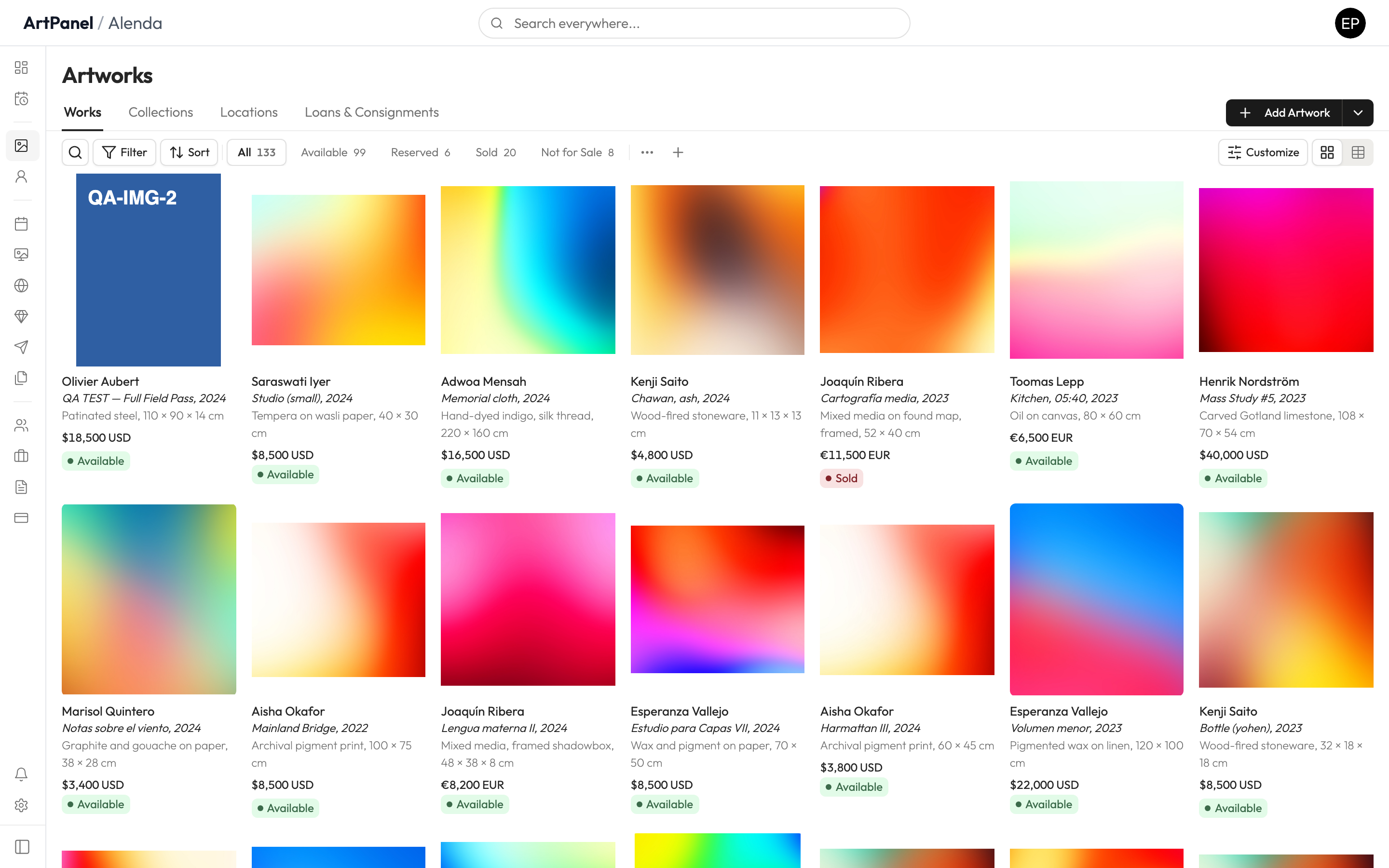
- Open Artworks.
- Use the filter bar to narrow by artist, status, size, price, year, or location.
- Combine as many filters as you need — the count updates live.
For precise queries, open Advanced Filters to set exact numeric ranges (for example, works between 50 and 120 cm wide).
Sorting#
Use the sort control to order by title, artist, year, price, or size — ascending or descending.
Saved views#
If you use the same combination of filters often, save it as a view:
- Set up your filters and sorting.
- Save the current setup as a view and name it (for example, “Available — under 10k”).
- Your views appear as pills at the top of the page — one click switches between them.
Views are personal — your saved views don’t change what your teammates see.
Did this answer your question?
Sorry about that — what were you looking for?
Still stuck? Email support@artpanel.app.
Thanks — that helps us keep these guides useful.
Related guides