Exhibitions
Plan an exhibition
Create a show, build its checklist, and move it from idea to opening.
Exhibitions in Art Panel carry their dates, venue, artists, artworks, and planning work in one record — from the first idea to the closing report.
Create the exhibition#
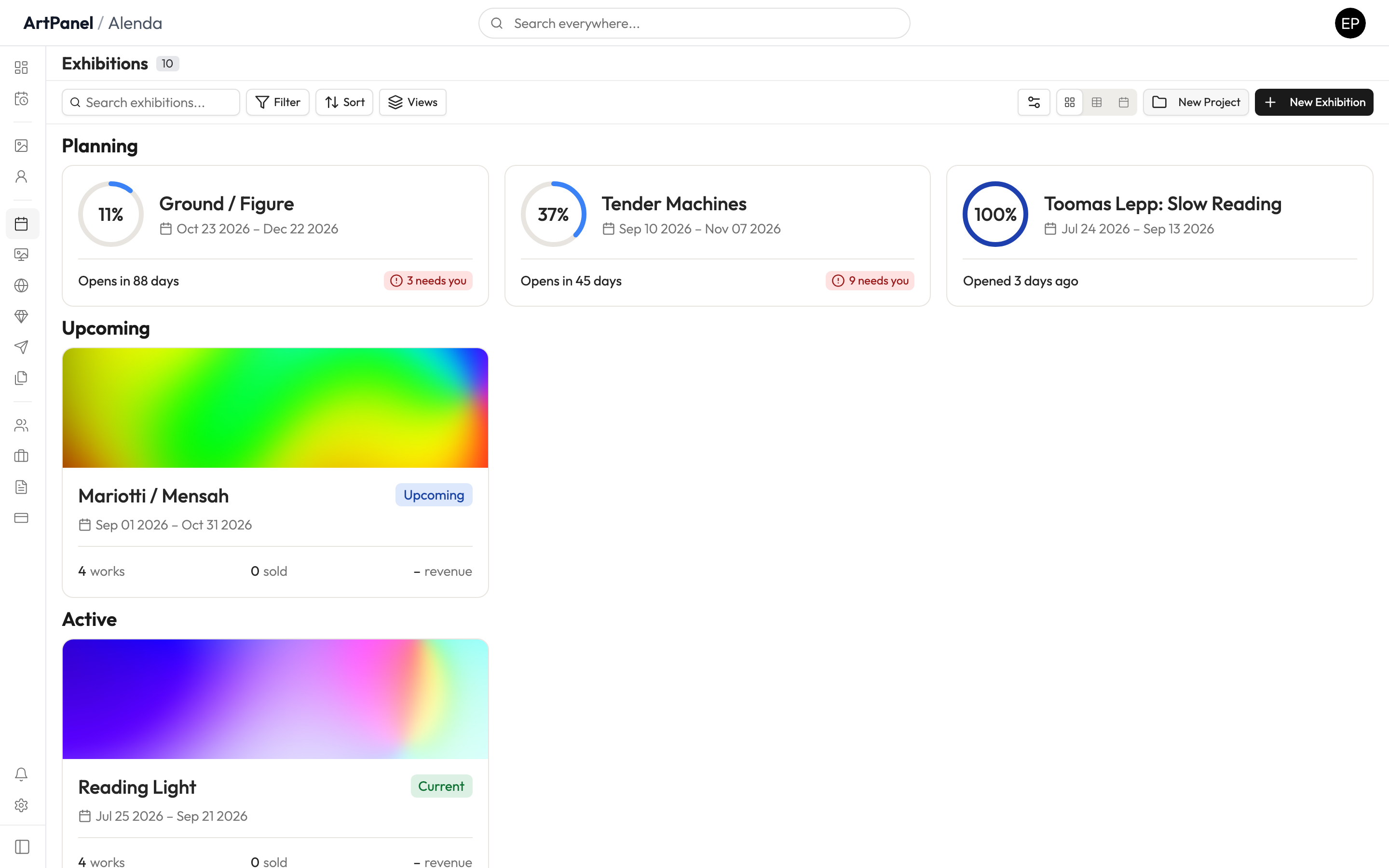
- Go to Exhibitions in the sidebar.
- Click Add Exhibition.
- Enter the title, start and end dates, and location.
- Click Create.
Add the works#
Open the exhibition and attach the artworks in the show. Each work keeps its inventory record — the exhibition simply references it, so statuses and sales stay in sync everywhere.
Planning workspace#
While an exhibition’s status is Planning, it has a planning workspace for the work leading up to the opening. Planning in real galleries is non-linear — Art Panel treats stages as labels, not gates, so you can work in any order.
Did this answer your question?
Sorry about that — what were you looking for?
Still stuck? Email support@artpanel.app.
Thanks — that helps us keep these guides useful.
Related guides