Viewing Rooms
Create a viewing room
Build a curated online presentation and share it with clients.
A viewing room is a private, beautifully presented selection of works you share with a client or your mailing list — with prices, texts, and inquiry buttons under your gallery’s branding.
Create the room#
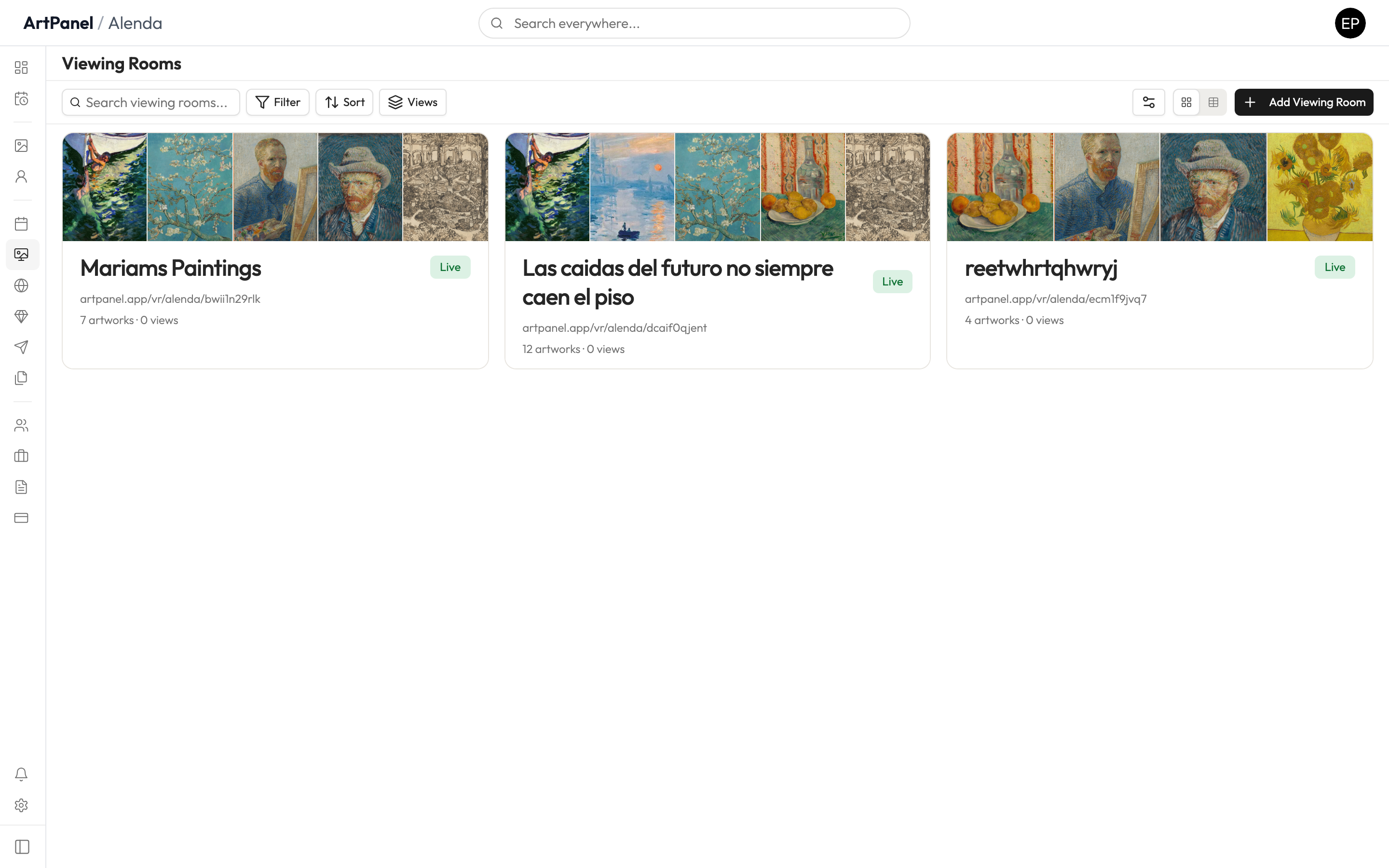
- Go to Viewing Rooms in the sidebar.
- Click Add Viewing Room and give it a title.
- Choose a format — Catalog, Exhibition, or Feature — depending on how the works should be presented.
Build the content#
Open the room’s builder to add works and content blocks, arrange the layout, and set what’s visible (prices, dimensions, texts).
Publish and share#
When the room is ready, publish it. You’ll get a public link under your gallery’s URL to send to clients. Republishing updates the public version; unpublishing takes it offline.
The public page keeps working even if you later rename your gallery — links you’ve sent never break.
Did this answer your question?
Sorry about that — what were you looking for?
Still stuck? Email support@artpanel.app.
Thanks — that helps us keep these guides useful.
Related guides